HomeDigital GoodsGames Gift Cards & SoftwareSoftwareAstra pro WordPress Theme Official License
Astra pro WordPress Theme Official License72% Off
Special Offer:Remains until the end of the offer

Astra pro WordPress Theme Official License

0.0 Star Rating(0 Reviews)|SKU: 20240119191129

The Most Popular Theme of All Time. Fast, Lightweight, and Highly Customizable WordPress Theme. Remote activation.

72% OffLKR 4,500Regular PriceLKR 16,000
KOKO Pay LKR 1,635.00 × 3 installments with KOKO

Quick Overview

Availability:Out of stock
Brand:No Brand
What's in the box:Astra Pro package license Remote activation only
100% Satisfaction Guaranteed

The Most Popular Theme of All Time. Fast, Lightweight, and Highly Customizable WordPress Theme. Remote activation.

Product Details

**** This is Remote activation. we will not provide the key to you. you have to contact seller, we will activate with in 48h ***

Astra is a WordPress theme that is marketed for professionals and creatives alike. The theme offers support for portfolios, ecommerce plugins like WooCommerce, and of course, blogs. Brainstorm Force, the people who make Astra, bill this WordPress theme as the perfect base for any site.
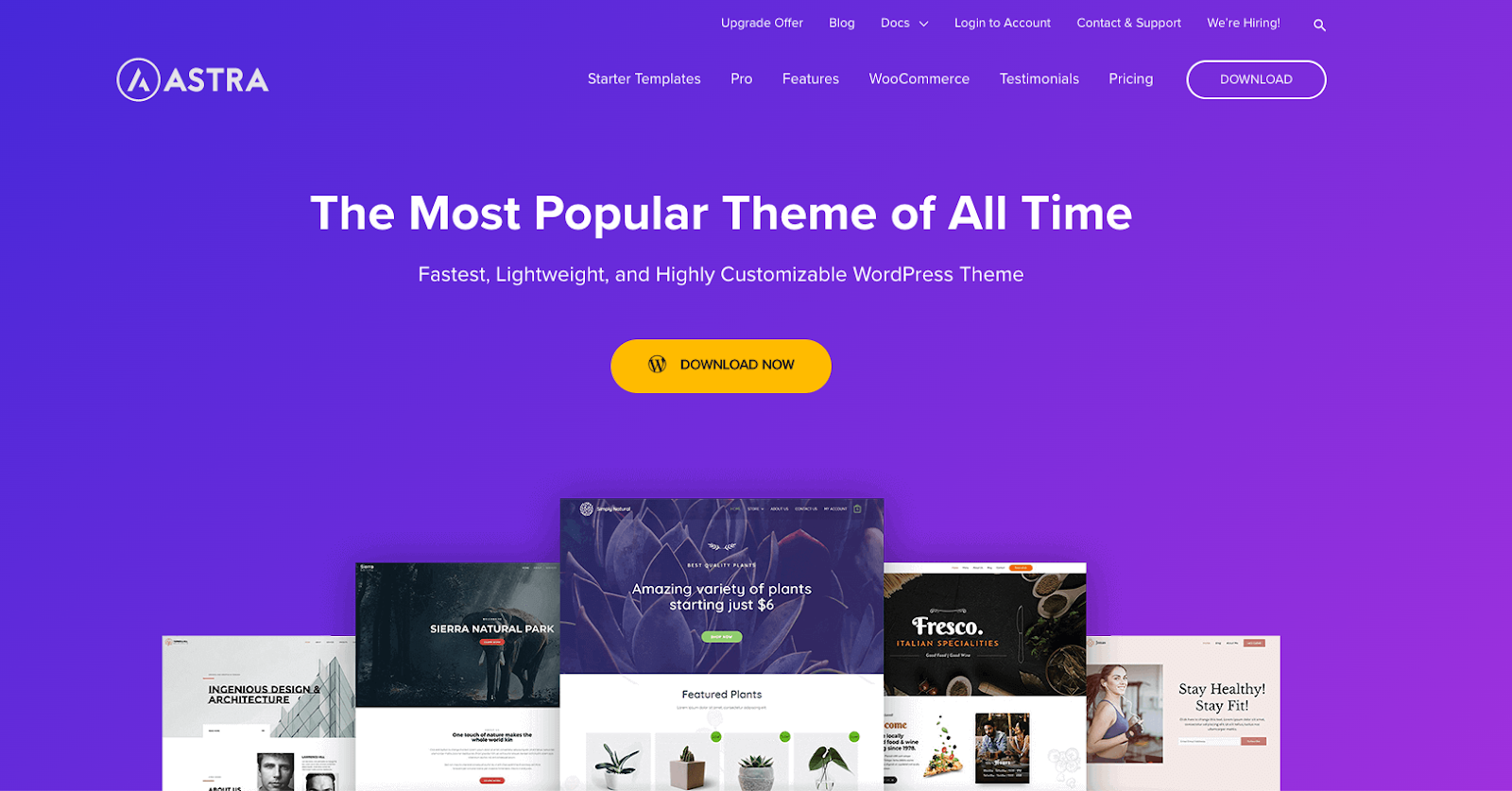
Astra is a WordPress theme with powerful features and beautiful design elements

On WordPress.org, Astra has garnered an impressive 5-star review rating, with very few 4-star reviews and only a handful of 1-star reviews. The reviews hail Brainstorm Force’s support, its fast loading time, and the fact that the theme is easily customizable. So, let’s dive into the features, bells, and whistles to see what makes this theme so beloved.

Core Features

  • Astra is optimized for performance.
  • The Astra theme loads in just seconds, providing a smooth user experience for visitors.
  • Astra is lightweight and only requires 50K of resources.
  • Professional back-end design and code means that your WordPress site will be stable and functional.
  • Astra employs the use of self-hosted Google Fonts and stores them locally on your server, creating a fast-acting interface.

Astra offers a wide array of design options.

  • Astra’s layouts help you create a customized website without any design or programming knowledge.
  • Header and footer options offer customizable menus, navigation, social links, and more.
  • You can customize your page headers with rules and other unique functionality in the Astra theme.
  • You can set your own unique color scheme with “Colors & Typography” to match your branding and style.
  • Pages can create specific sidebars that will display only on certain pages, rather than globally, allowing you to control crosslinking and content strategy.

Astra offers customization options.

  • You can use “Hooks” to inject your own code into various parts of pages to perform actions, retrieve data, or other functionality.
  • You can create a custom 404 page so that you can link to products, newsletters, or social media.
  • You can create custom layouts within the Gutenberg page builder to easily move content where you want.

The Pros and Cons of Using Astra

While Astra is a robust theme with a wide range of customization options, some users may face limitations. To help you make the right decision, here are the advantages and disadvantages of using Astra.

The Advantages of Astra

  • Astra has pre-built layouts that make creating a new website easy.
  • Astra offers both a drag-and-drop builder and a way to directly edit your site’s code.
  • This site theme loads quickly, so your users get your content quickly.
  • Astra is updated regularly, so you won’t fall risk to cyber vulnerabilities.

The Disadvantages of Astra

  • There is a learning curve for building any website. If this is your first time making a website, you may want to opt for a simpler theme with fewer features.

How to Build a Page in Astra

While Astra is as easy to use as most of the WordPress templates on the market today, it does offer some unique settings that newcomers may be interested in using to build a page. First, navigate to Pages in your WordPress dashboard. Next, you’ll open the Page Builder as usual. If you’re using the Gutenberg Editor, you’ll notice the Page settings as usual, including Page and Block on the right-hand side.

  • Island-wide delivery
  • Best price