
 9% Off
- 00
- 00
- 00
- 00
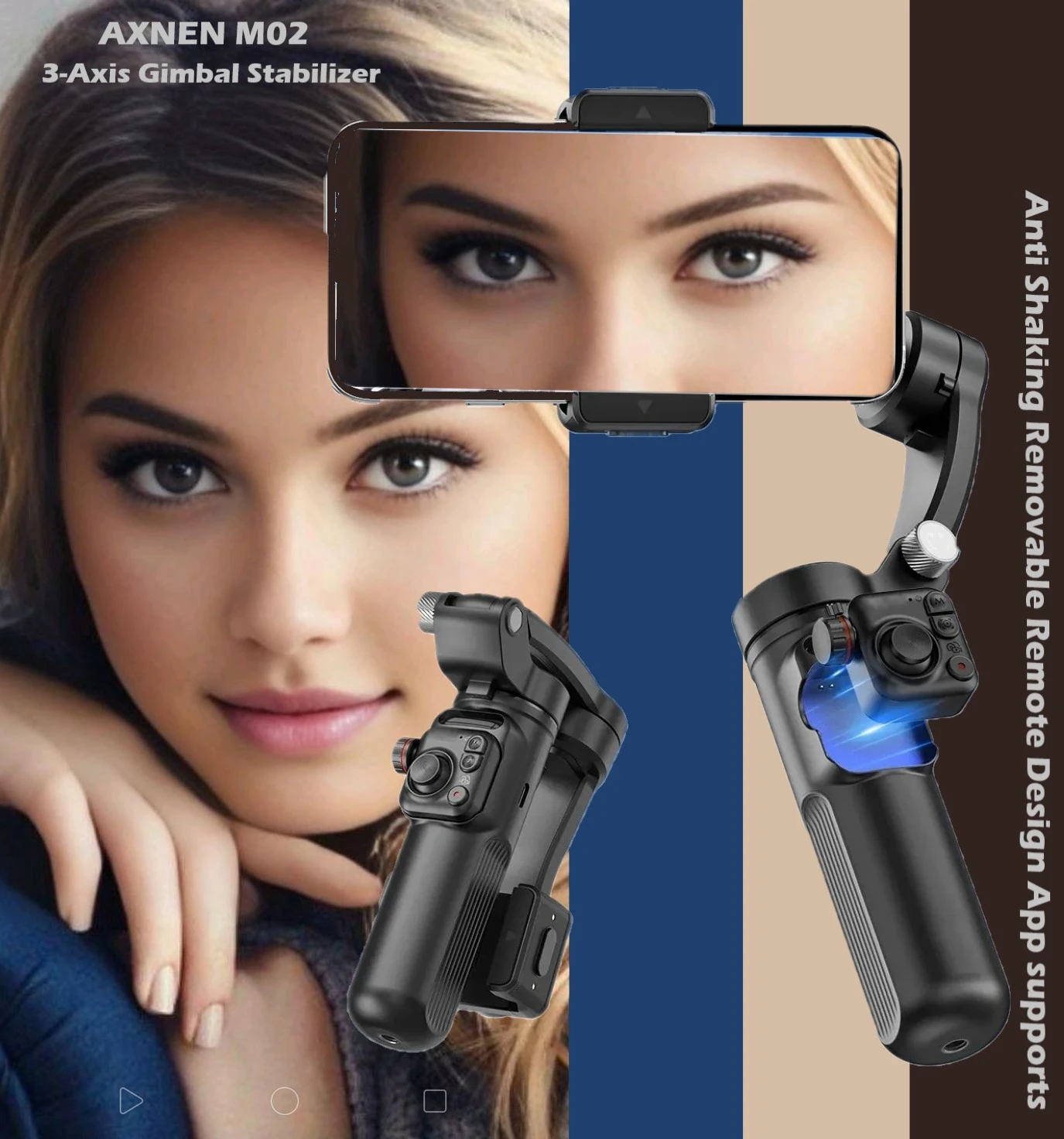
AXNEN M02 3-Axis Gimbal Stabilizer Detachable Remote
Why choose AXNEN M02? With Detachable Remote Control, up to 10 meters connection. 3-axis Anti-shake, Helps reduce shaking during shooting. Multifunctional Roller Focus, easily zoom and focus in the APP. Gesture Control, Make the shooting process more convenien...
 Pay LKR 7,957.00 × 3 installments with KOKO
 Quick Overview
Installment Plans
Select a Bank to View Available Monthly Plans
Why choose AXNEN M02? With Detachable Remote Control, up to 10 meters connection. 3-axis Anti-shake, Helps reduce shaking during shooting. Multifunctional Roller Focus, easily zoom and focus in the APP. Gesture Control, Make the shooting process more convenient and faster. OLED Display, more clearly display the power status and mode status of the machine. Foldable & Portable, with AXNEN storage bag, easy to carry outdoors. 3000mAh Long Battery life, good choice for travel or vlog recording.
Product Details
Please follow step 1-2-3-4-5 to use gimbal in a right way
- Step 1: Loosen the knob, fully extend the gimbal arm.
- Step 2: Tighten the knob to fix the gimbal arm.
- Step 3: Unlock the clip of the tilt axis, the phone holder will face upwards.
- Step 4: Unlock the clip of the pan axis, the remote will face you.
- Step 5: Center the phone on the phone clip. (Mind the lens direction on the phone clip.)
AXNENE M02 12 Languages User Manual Instructions
3 Axis Anti-shake Design
AXNEN M02 handheld gimbal is a high-performance 3-axis anti-shake gimbal stabilizer for photography enthusiasts, which can help you record smoother videos.
- Pan Angle: 300°
- Roll Angle: 325°
- Tilt Angle: 80°
One-key switch between horizontal and vertical shooting
Whether scenery or people shooting, you can quickly switch between horizontal and vertical modes with just double press "M" button. AXNEN M02 makes your video creation easier and more efficient.
With Detachable Remote Control
Up to 10 meters connection.
- Magnetic Charging: When installed on gimbal, the remote control will charge while gimbal is on.
- Zoom/Focus Wheel: One click: Switch zoom / focus mode Roll: Zoom in/out or Manual focus length
- Switch Modes: Press once: Switch mode PF-AF-AL-FV Press twice: Switch horizontal / vertical
- Lock Button: Press once: Tracking with APP Long press: Lock mode
- Joystick: Push the joystick to control the direction of the gimbal's rotation.
- Camera Button: Press once: Take a photo Press twice: Switch photo / video mode
*** Please note 1: Most buttons need to be connected to Bluetooth and enter the APP before they can take effect.
*** Please note 2: Only some of the functions of the buttons are shown here. Please learn more in the user manual.
7 Classic Shooting Modes
- Semi-follow Mode: Only Pan axis follows handle motion. - Suitable Scenes : Does not change much in pitch angle, then rotating the camera left and right.
- Full Follow Mode: Only Pan and Tilt axis follow handle motion. - Suitable Scenes : Shooting with pitch angle changes.
- Fully Locked Mode: All axis full locked. - Suitable Scenes : Straight line follow shooting.
- POV MODE: First person view - Suitable Scenes : Free follow shooting, Imitating first-person perspective.
- Inception Space: - Suitable Scenes : Classic Inception scene video.
- Semi-follow GO Mode: - Suitable Scenes : Faster changes in left and right shot.
- Full Follow GO Mode: - Suitable Scenes : Faster changes in pitch angle.
With Zoom/Focus Control Wheel
AXNEN M02 remote control has a focus and zoom control wheel. It works in the APP (after connecting with APP and Bluetooth successfully).
- Wheel Initial State: Zoom control function. Rotate the wheel to zoom in or out.
- One Click Wheel: Switch from Zoom mode to Focus mode.
- Roll Wheel: (Now is Focus control function.) Rotate the wheel to change focus length.
- One Click Wheel Again: Switch from Focus mode to Zoom mode.
*** Please note 1: These functions can only be effective in the APP.
*** Please note 2: Some mobile phones cannot support focus control function.
12 Languages User Instructions Manual
AXNEN has always been committed to providing convenience for consumers. For the AXNEN M02 gimbal stabilizer, we have specially produced user manual in 12 languages including English / Portuguese / Spanish / German / French / Italian / Polish / Russian / Japanese / Korean / Hebrew / Arabic. A variety of functions in APP Smart Tracking Function Gesture Control Function Panorama and Clone Me Different Video Effects Etc.
3000mAh Ultra-Large Capacity Battery
AXNEN M02 handheld gimbal is a high-performance stabilizer for photography enthusiasts. Its 3000mAh large-capacity battery ensures long-term shooting without worries, whether for outdoor travel or indoor creation.
Suitable for Various Mobile Phones
AXNEN M02 can be used with many models of mobile phones, such as iPhone, Samsung, Xiaomi, Huawei, Vivo, Oppo and many other brands of smartphones with size as following:
- The suitable smartphone size: Width between 55-90mm; Thickness less than 11mm; Weight less than 280g (Max.).
Foldable Design, Easy to Carry
Foldable storage is only the size of a mobile phone. Easy to keep in your pocket or bag, take it and take photos as you go, so you can shoot outdoors without any burden.
Features:
- 3-Axis Gimbal Stabilizer with Detachable Remote Control
- Smart Tracking Function
- Gesture Control Function
- Panorama and Clone Me
- Different Video Effects
- Folded Size: 157*106*65mm (6.18*4.17*2.55 inches)
Package included:
- Gimbal
- Mini Tripod
- USB Cable
- Manual
- Box
Island-wide delivery
Best price