
 51% Off
Special Offer:Remains until the end of the offer
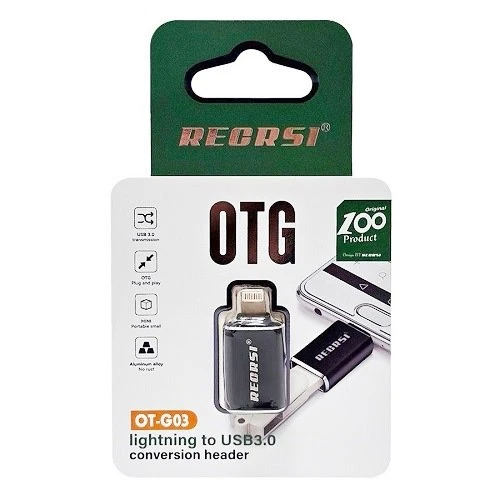
iPhone OTG Converter Lightning to USB 3.0 Adapter
Common issues not recognized by Apple adapters. 1. iPhone / ipad must be iOS 13 or iPad OS software version. [How to check: Settings-General-About Phone-Software Version] 2. How to find the [File] icon is usually on the desktop of the mobile phone. [If not fou...
51% OffLKR 1,450Regular PriceLKR 2,950
 Pay LKR 526.83 × 3 installments with KOKO
 Quick Overview
100% Satisfaction Guaranteed
Common issues not recognized by Apple adapters.
1. iPhone / ipad must be iOS 13 or iPad OS software version. [How to check: Settings-General-About Phone-Software Version]
2. How to find the [File] icon is usually on the desktop of the mobile phone. [If not found, download from APP Store] [File]
3. After inserting the USB flash drive, [after waiting for 20 seconds, the USB flash drive cannot be ejected from the file. Format; if the U disk file is too large, create multiple folders and store them separately]
4. The mouse and keyboard are not recognized [Open Settings-Accessibility-Touch-Turn on Assistive Touch] If the mouse and keyboard are all wired, you can add a USB splitter. Some Bluetooth keyboards and mice are not compatible.
5. Non-MP4 video format cannot be opened [Download an OPayer Life player in the APP Store]
6. Cannot be used for U shield.
Product Details
USB 3.0 OTG Adapter for iPhone 12, 11 Pro, XS Max, XR, X, 8, 7, 6s, 6 Plus, iPad U Disk. Lightning Male to USB 3.0 Adapter for iOS 13 above.
- USB 3.0 standard interface
- Suitable for iOS 13 above system
- Compatible for mouse/keyboard/U disk...
- Aluminum alloy surface and high strength nylon cable
- Mini size and easy to carry

Common issues not recognized by Apple adapters:
- 1. iPhone / iPad must be iOS 13 or iPad OS software version.
[How to check: Settings-General-About Phone-Software Version] - 2. How to find the [File] icon is usually on the desktop of the mobile phone.
[If not found, download from APP Store] [File] - 3. After inserting the USB flash drive,
[after waiting for 20 seconds, the USB flash drive cannot be ejected from the file. Format; if the U disk file is too large, create multiple folders and store them separately] - 4. The mouse and keyboard are not recognized
[Open Settings-Accessibility-Touch-Turn on Assistive Touch] If the mouse and keyboard are all wired, you can add a USB splitter. Some Bluetooth keyboards and mice are not compatible. - 5. Non-MP4 video format cannot be opened
[Download an OPayer Life player in the APP Store] - 6. Cannot be used for U shield.
Product type: Smartphone & Phone Adapters
Island-wide delivery
Best price
Seller selection
More from Seller
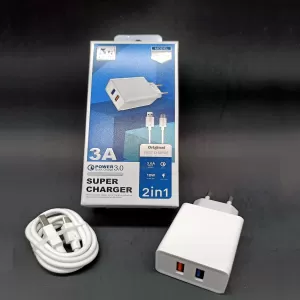
3A 18W 3.0 Quick Power Charge Super Fast Charger
LKR 2,950LKR 1,950
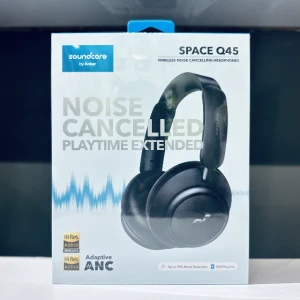
Anker Soundcore Space Q45 ANC Headphones
LKR 49,500LKR 42,500
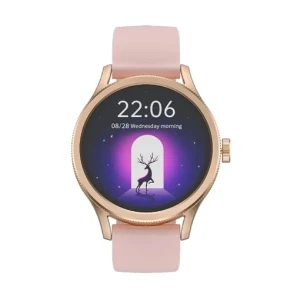
SCYKEI Feel ladies Smart Watch with 1.27-inch Display
LKR 15,450LKR 13,950
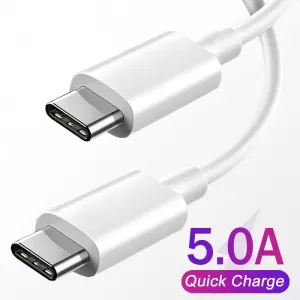
1M USB Type C for Samsung S20 PD 65W Cable Quick Charge 4.0
LKR 1,950LKR 1,650
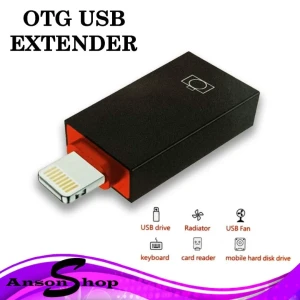
Iphone SX-56 OTG Adapter
LKR 2,950LKR 1,490
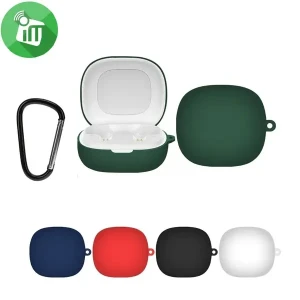
Anker Soundcore Earbuds Silicon Cover for R50i P25i P20i
LKR 1,950LKR 800
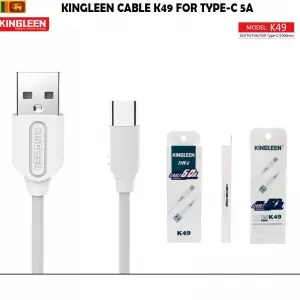
USB to Type C Cable for Samsung Oppo Huawei Mi Sony
LKR 950LKR 750
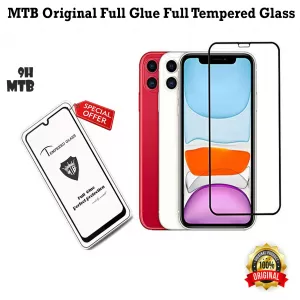
MTB 9H Full Glue Tempered Glass for iPhone X XS 11 Pro
LKR 1,450LKR 650
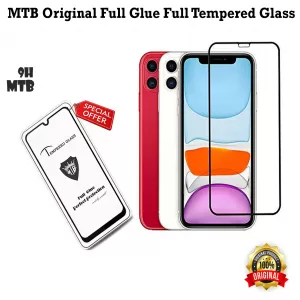
MTB 9H Full Glue Tempered Glass for iPhone X XS 11 Pro
LKR 1,450LKR 650
Related
Related Products
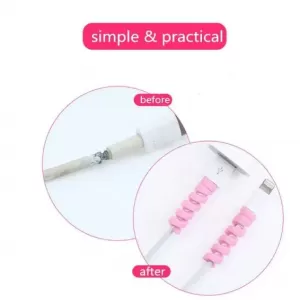
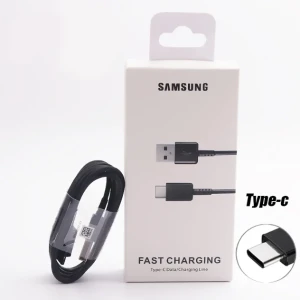
Samsung USB to Type-C Cable Fast Charging & Data Transfer
LKR 1,200LKR 690
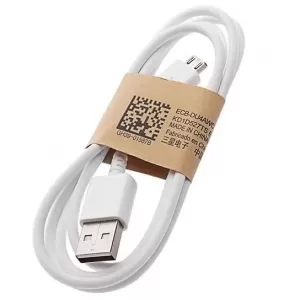
SAMSUNG MICRO-USB CABLE
LKR 950LKR 550
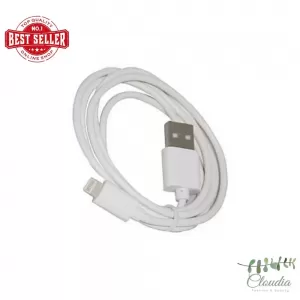
Generic USB Cable iPhone Lightning Charging White
LKR 750LKR 350
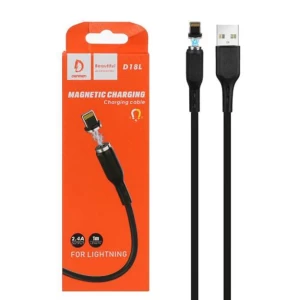
DENMEN Magnetic Charger Cable Lightning USB
LKR 1,150LKR 749
3A 18W 3.0 Quick Power Charge Super Fast Charger
LKR 2,950LKR 1,950
Generic Silicone Cable Protector Earphone Wire Cord
LKR 350LKR 90
iPhone OTG Converter Lightning to USB 3.0 Adapter
LKR 1,450LKR 2,950
Pay LKR 526.83 × 3 installments with KOKO Quantity
- Weight0.01 KG
- Sold0
- BrandiPhone
- StockIn stock
Short Description
Common issues not recognized by Apple adapters.
1. iPhone / ipad must be iOS 13 or iPad OS software version. [How to check: Settings-General-About Phone-Software Version]
2. How to find the [File] icon is usually on the desktop of the mobile phone. [If not found, download from APP Store] [File]
3. After inserting the USB flash drive, [after waiting for 20 seconds, the USB flash drive cannot be ejected from the file. Format; if the U disk file is too large, create multiple folders and store them separately]
4. The mouse and keyboard are not recognized [Open Settings-Accessibility-Touch-Turn on Assistive Touch] If the mouse and keyboard are all wired, you can add a USB splitter. Some Bluetooth keyboards and mice are not compatible.
5. Non-MP4 video format cannot be opened [Download an OPayer Life player in the APP Store]
6. Cannot be used for U shield.
Product Details
USB 3.0 OTG Adapter for iPhone 12, 11 Pro, XS Max, XR, X, 8, 7, 6s, 6 Plus, iPad U Disk. Lightning Male to USB 3.0 Adapter for iOS 13 above.
- USB 3.0 standard interface
- Suitable for iOS 13 above system
- Compatible for mouse/keyboard/U disk...
- Aluminum alloy surface and high strength nylon cable
- Mini size and easy to carry
Common issues not recognized by Apple adapters:
- 1. iPhone / iPad must be iOS 13 or iPad OS software version.
[How to check: Settings-General-About Phone-Software Version] - 2. How to find the [File] icon is usually on the desktop of the mobile phone.
[If not found, download from APP Store] [File] - 3. After inserting the USB flash drive,
[after waiting for 20 seconds, the USB flash drive cannot be ejected from the file. Format; if the U disk file is too large, create multiple folders and store them separately] - 4. The mouse and keyboard are not recognized
[Open Settings-Accessibility-Touch-Turn on Assistive Touch] If the mouse and keyboard are all wired, you can add a USB splitter. Some Bluetooth keyboards and mice are not compatible. - 5. Non-MP4 video format cannot be opened
[Download an OPayer Life player in the APP Store] - 6. Cannot be used for U shield.
Product type: Smartphone & Phone Adapters
Island-wide delivery
Best price
Colombo-City, Colombo 01
Fardar ExpressLKR 425
Return & Warranty
7 Days Buyer ProtectionYour purchase is protected by Tudo.lk.
No reviews yet for this product.

Digi Mart
GalleTyp C Cable Quick Charge data Transfer Samsung Device 1.2m
0 (0)LKR 850LKR 950
3A 18W 3.0 Quick Power Charge Super Fast Charger
0 (0)LKR 1,950LKR 2,950
Anker Soundcore Space Q45 ANC Headphones
0 (0)LKR 42,500LKR 49,500
SCYKEI Feel ladies Smart Watch with 1.27-inch Display
0 (0)LKR 13,950LKR 15,450
1M USB Type C for Samsung S20 PD 65W Cable Quick Charge 4.0
0 (0)LKR 1,650LKR 1,950
49%
Iphone SX-56 OTG Adapter
0 (0)LKR 1,490LKR 2,950
59%
Anker Soundcore Earbuds Silicon Cover for R50i P25i P20i
0 (0)LKR 800LKR 1,950
USB to Type C Cable for Samsung Oppo Huawei Mi Sony
0 (0)LKR 750LKR 950
55%
MTB 9H Full Glue Tempered Glass for iPhone X XS 11 Pro
0 (0)LKR 650LKR 1,450
55%
MTB 9H Full Glue Tempered Glass for iPhone X XS 11 Pro
0 (0)LKR 650LKR 1,450
67%
2 Pcs Pieces Protector Saver Cover for Micro USB Type C Char
0 (0)LKR 200LKR 599
43%
Samsung USB to Type-C Cable Fast Charging & Data Transfer
0 (0)LKR 690LKR 1,200
42%
SAMSUNG MICRO-USB CABLE
0 (0)LKR 550LKR 950
74%
Generic Silicone USB Cable Protector Earphone Wire Cord Protect
0 (0)LKR 90LKR 350
53%
Generic USB Cable iPhone Lightning Charging White
0 (0)LKR 350LKR 750
67%
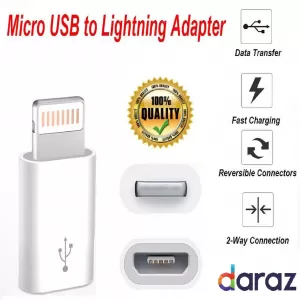
OTG adapter for Lightning Connector to Micro USB Female Port
0 (0)LKR 299LKR 899
60%
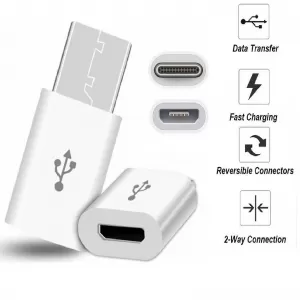
Micro USBToType-C USB 3.0Data Charging Adapter GeneralOTG Ty
0 (0)LKR 399LKR 999
DENMEN Magnetic Charger Cable Lightning USB
0 (0)LKR 749LKR 1,150
3A 18W 3.0 Quick Power Charge Super Fast Charger
0 (0)LKR 1,950LKR 2,950
74%
Generic Silicone Cable Protector Earphone Wire Cord
0 (0)LKR 90LKR 350