

Microsoft Windows 11 Enterprise Pre-Activated
LKR 3,990LKR 1,990
 28% Off
Blocks viruses, crypto lockers, attacks & more Prevents online trackers collecting your data Detects spyware hiding on your Android device Protects payments, with bank-grade encryption Blocks unauthorized access to your webcam Encrypts data you send & receive ...
 Pay LKR 2,358.03 × 3 installments with KOKO
 Select a Bank to View Available Monthly Plans
Blocks viruses, crypto lockers, attacks & more Prevents online trackers collecting your data Detects spyware hiding on your Android device Protects payments, with bank-grade encryption Blocks unauthorized access to your webcam Encrypts data you send & receive online – VPN Anti-Virus Defense Anti-Hacking High-Tech Protection Privacy Tools Home Protection 1 Year Re-Activation available with the same key Additional Features
Blocks viruses, crypto lockers, attacks & more Prevents online trackers collecting your data Detects spyware hiding on your Android device Protects payments, with bank-grade encryption Blocks unauthorized access to your webcam Encrypts data you send & receive online – VPN Anti-Virus Defense Anti-Hacking High-Tech Protection Privacy Tools Home Protection 1 Year Re-Activation available with the same key Additional Features
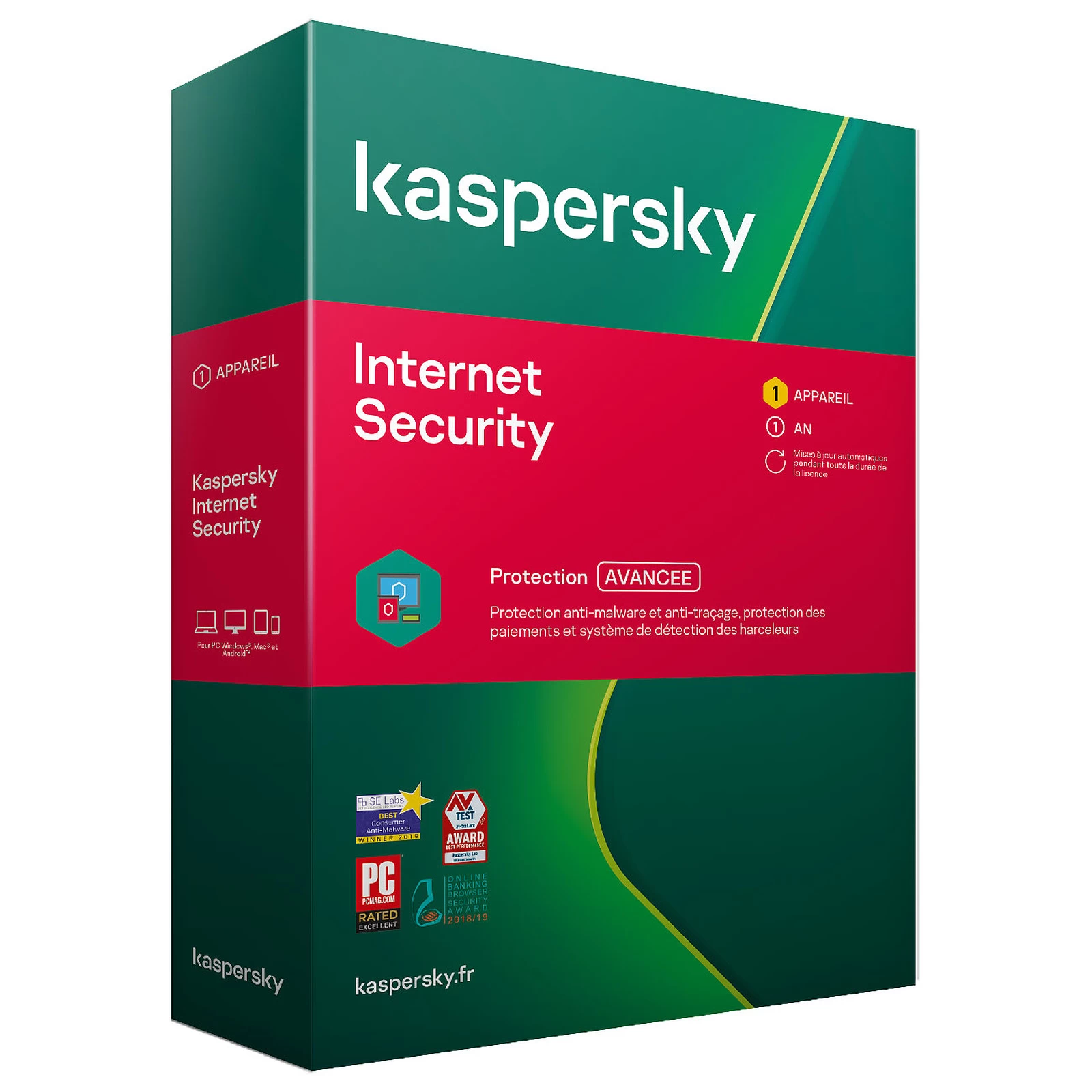
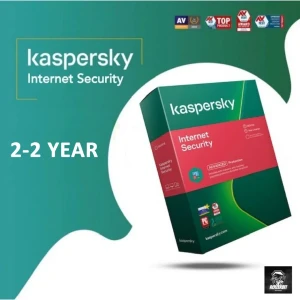
Kaspersky Internet Security is a powerful antivirus software suitable for individuals, as well as businesses. Designed for Windows, the application offers various security features in an easy-to-use interface. It protects you from viruses, malware, and other security threats like trackers, ads, webcam hackers, and more. The app’s trial version gives users the chance to explore its many scanning options and features. Once you complete the Kaspersky Internet Security download, your browsing activity and privacy remain safe and protected from prying eyes. For kids, the security software offers parental controls that filter content and keep track of device usage. Available as a cross-platform app, Kaspersky Internet Security provides similar features as other antivirus programs.
What can users expect from Kaspersky Internet Security? While there are several antivirus programs out there, finding one that provides several security features at a reasonable price can be difficult. Kaspersky Internet Security is one such application that offers the necessary protection you would need, at almost half the money. While the company has three premium plans, this mid-tier version is ideal for small businesses, entrepreneurs, and individuals. As a well-known antivirus application, Kaspersky Internet Security provides robust protection against viruses, malware, ransomware, and other such threats. It prevents link trackers, advertisements, and internet service providers from accessing your preferences, data, and browsing activity.
What are the features of Kaspersky Internet Security? Kaspersky Internet Security features five scanning options - Quick, Selective, Vulnerability, Removable, and Full Scan. When you enable the Quick Scan feature, the software scans memory files, boot sections, and startup files. Full Scan takes a while and scans every single file and folder available on your desktop. The Removable Drive Scan lets you check all your USB flash drives and hard disks. For outdated software and apps exposed to malware, a Vulnerability Scan is enough to clean and protect your system. Moreover, users can schedule scans after each update, computer startup, or at a specified time. A point to note here is that the app will take up several system resources when scanning your PC.
When it comes to web protection, Kaspersky Internet Security offers an anti-tracker, a browser extension, an ad blocker, and more. The antivirus application also provides users with a secure virtual keyboard that can be used to enter passwords and other sensitive information. In case you want to save a few passwords, you can also do so with Kaspersky Internet Security.
Can Kaspersky remove malware? Kaspersky Internet Security scans all files and folders on your desktop. If it detects any malware or threat, it uploads the file to the Cloud for further analysis. Until you get the results, the file remains under quarantine. Users can easily access the files and return them to their original folder once they are free of malware. In addition to this, Kaspersky Internet Security also cleans your PC. It removes outdated software and gets rid of files that may be slowing down the system. It even regularly checks the available logs and temporary files and removes them when required. However, of course, this feature requires user input before deleting anything that it flags.
Is Kaspersky Internet Security good? Kaspersky Internet Security is one of the best antivirus applications for businesses and individuals. This is because the application protects against online threats, webcam hackers, ads, trackers, and malware that finds its way into your system. It can clean your PC, store your passwords, and scan your computer whenever you want. Its five scanning options are quite comprehensive and provide all-around protection.
Island-wide delivery
Best price







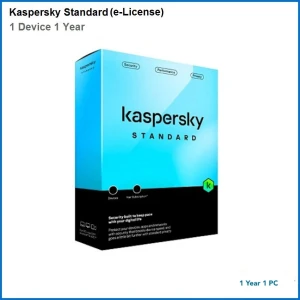
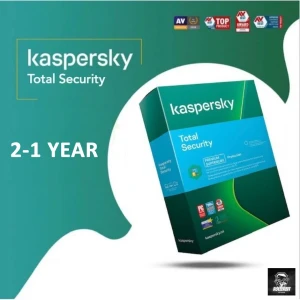
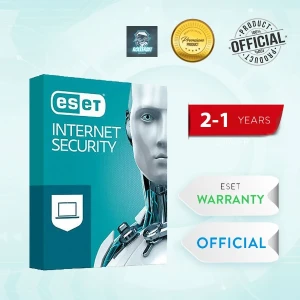
 Pay LKR 2,358.03 × 3 installments with KOKO
 Blocks viruses, crypto lockers, attacks & more Prevents online trackers collecting your data Detects spyware hiding on your Android device Protects payments, with bank-grade encryption Blocks unauthorized access to your webcam Encrypts data you send & receive online – VPN Anti-Virus Defense Anti-Hacking High-Tech Protection Privacy Tools Home Protection 1 Year Re-Activation available with the same key Additional Features
Blocks viruses, crypto lockers, attacks & more Prevents online trackers collecting your data Detects spyware hiding on your Android device Protects payments, with bank-grade encryption Blocks unauthorized access to your webcam Encrypts data you send & receive online – VPN Anti-Virus Defense Anti-Hacking High-Tech Protection Privacy Tools Home Protection 1 Year Re-Activation available with the same key Additional Features
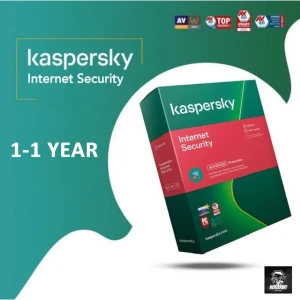
Kaspersky Internet Security is a powerful antivirus software suitable for individuals, as well as businesses. Designed for Windows, the application offers various security features in an easy-to-use interface. It protects you from viruses, malware, and other security threats like trackers, ads, webcam hackers, and more. The app’s trial version gives users the chance to explore its many scanning options and features. Once you complete the Kaspersky Internet Security download, your browsing activity and privacy remain safe and protected from prying eyes. For kids, the security software offers parental controls that filter content and keep track of device usage. Available as a cross-platform app, Kaspersky Internet Security provides similar features as other antivirus programs.
What can users expect from Kaspersky Internet Security? While there are several antivirus programs out there, finding one that provides several security features at a reasonable price can be difficult. Kaspersky Internet Security is one such application that offers the necessary protection you would need, at almost half the money. While the company has three premium plans, this mid-tier version is ideal for small businesses, entrepreneurs, and individuals. As a well-known antivirus application, Kaspersky Internet Security provides robust protection against viruses, malware, ransomware, and other such threats. It prevents link trackers, advertisements, and internet service providers from accessing your preferences, data, and browsing activity.
What are the features of Kaspersky Internet Security? Kaspersky Internet Security features five scanning options - Quick, Selective, Vulnerability, Removable, and Full Scan. When you enable the Quick Scan feature, the software scans memory files, boot sections, and startup files. Full Scan takes a while and scans every single file and folder available on your desktop. The Removable Drive Scan lets you check all your USB flash drives and hard disks. For outdated software and apps exposed to malware, a Vulnerability Scan is enough to clean and protect your system. Moreover, users can schedule scans after each update, computer startup, or at a specified time. A point to note here is that the app will take up several system resources when scanning your PC.
When it comes to web protection, Kaspersky Internet Security offers an anti-tracker, a browser extension, an ad blocker, and more. The antivirus application also provides users with a secure virtual keyboard that can be used to enter passwords and other sensitive information. In case you want to save a few passwords, you can also do so with Kaspersky Internet Security.
Can Kaspersky remove malware? Kaspersky Internet Security scans all files and folders on your desktop. If it detects any malware or threat, it uploads the file to the Cloud for further analysis. Until you get the results, the file remains under quarantine. Users can easily access the files and return them to their original folder once they are free of malware. In addition to this, Kaspersky Internet Security also cleans your PC. It removes outdated software and gets rid of files that may be slowing down the system. It even regularly checks the available logs and temporary files and removes them when required. However, of course, this feature requires user input before deleting anything that it flags.
Is Kaspersky Internet Security good? Kaspersky Internet Security is one of the best antivirus applications for businesses and individuals. This is because the application protects against online threats, webcam hackers, ads, trackers, and malware that finds its way into your system. It can clean your PC, store your passwords, and scan your computer whenever you want. Its five scanning options are quite comprehensive and provide all-around protection.
Island-wide delivery
Best price
Digital Delivery: Sent directly to your registered e-mail address.
Maximum delivery timeframe: 24 hours.
No reviews yet for this product.
