

SQL Server 2025 Standard – 2 Cores License
LKR 750,000LKR 174,900
 88% Off
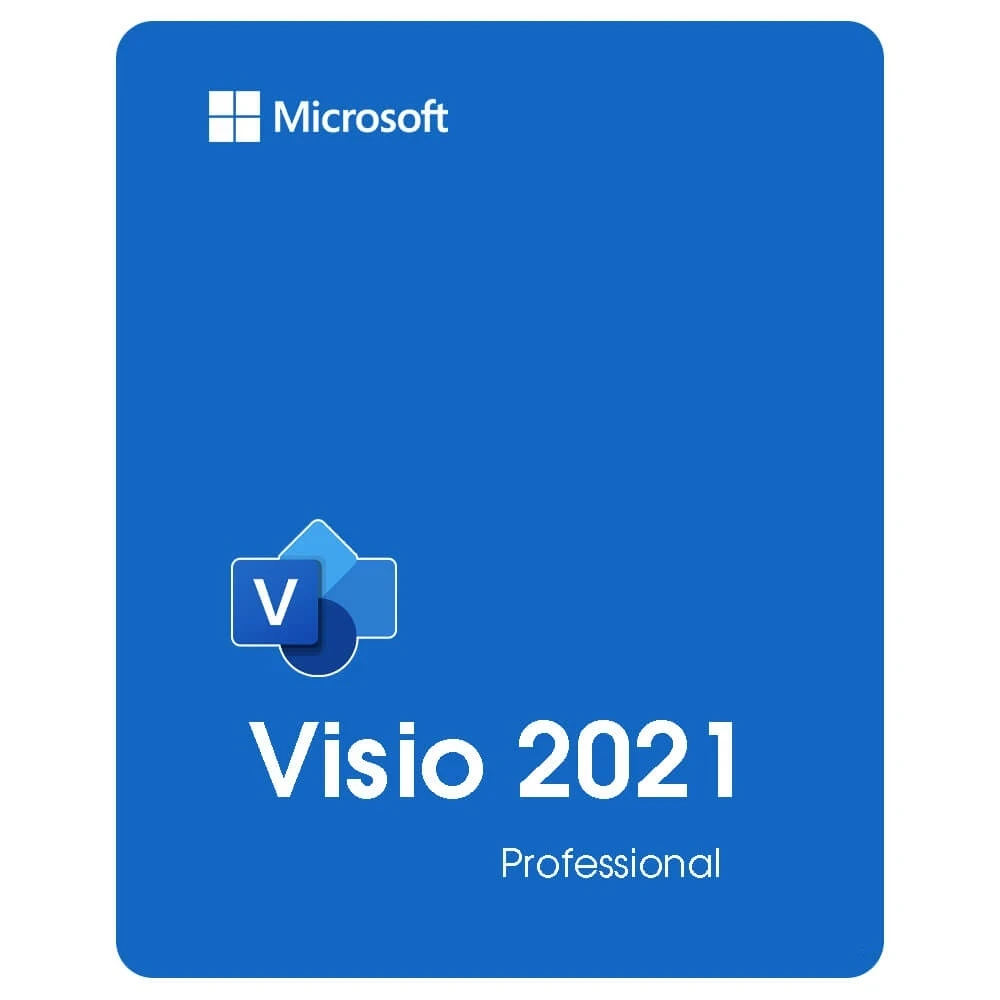
MICROSOFT VISIO 2021 Professional Visio Professional 2021 allows individuals and teams to create and share professional, versatile diagrams that simplify complex information. New Azure stencils and shapes New AWS stencils and shapes Ready-made graphics for you...
 Pay LKR 526.83 × 3 installments with KOKO
 If u have an Office, you need Office 2021 or Office 365 to Install this. If u have Office 2019/2016, you can not install Visio 2021. Before downloading Microsoft Visio 2021 Professional, your PC must satisfy the following requirements. Processor: 1.6 GHz, dual-core processor Operating System: Windows 11 or Windows 10 is required for Office 2021 apps RAM: 4 GB (64bit), 2 GB (32bit) RAM Hard disk drive: 4 GB of available disk space Resolution: 1024 × 768 resolution Graphics: DirectX 10 graphics card for graphics hardware acceleration .NET version: Some features may require .NET 3.5 or 4.6 or higher to be installed.
MICROSOFT VISIO 2021 Professional Visio Professional 2021 allows individuals and teams to create and share professional, versatile diagrams that simplify complex information. New Azure stencils and shapes New AWS stencils and shapes Ready-made graphics for your diagrams Content for social distancing planning in the workplace Create wireframe diagrams for mobile apps Content for recreating and redesigning crime scene investigations Visual refresh, Pick the perfect color.
MICROSOFT Visio 2021 Professional Key benefits Visio Professional 2021 allows individuals and teams to create and share professional, versatile diagrams that simplify complex information. Visio Professional 2021 includes updated shapes, templates, and styles; enhanced support for team collaboration, including the ability for several people to work on a single diagram simultaneously; and the ability to link diagrams to data instantly. Visio Professional 2021 also helps prevent information leakage by enabling Information Rights Management.
Visio 2021 Professional FEATURES AND BENEFITS
Island-wide delivery
Best price







 Pay LKR 526.83 × 3 installments with KOKO
 If u have an Office, you need Office 2021 or Office 365 to Install this. If u have Office 2019/2016, you can not install Visio 2021. Before downloading Microsoft Visio 2021 Professional, your PC must satisfy the following requirements. Processor: 1.6 GHz, dual-core processor Operating System: Windows 11 or Windows 10 is required for Office 2021 apps RAM: 4 GB (64bit), 2 GB (32bit) RAM Hard disk drive: 4 GB of available disk space Resolution: 1024 × 768 resolution Graphics: DirectX 10 graphics card for graphics hardware acceleration .NET version: Some features may require .NET 3.5 or 4.6 or higher to be installed.
MICROSOFT VISIO 2021 Professional Visio Professional 2021 allows individuals and teams to create and share professional, versatile diagrams that simplify complex information. New Azure stencils and shapes New AWS stencils and shapes Ready-made graphics for your diagrams Content for social distancing planning in the workplace Create wireframe diagrams for mobile apps Content for recreating and redesigning crime scene investigations Visual refresh, Pick the perfect color.
MICROSOFT Visio 2021 Professional Key benefits Visio Professional 2021 allows individuals and teams to create and share professional, versatile diagrams that simplify complex information. Visio Professional 2021 includes updated shapes, templates, and styles; enhanced support for team collaboration, including the ability for several people to work on a single diagram simultaneously; and the ability to link diagrams to data instantly. Visio Professional 2021 also helps prevent information leakage by enabling Information Rights Management.
Visio 2021 Professional FEATURES AND BENEFITS
Island-wide delivery
Best price
Digital Delivery: Sent directly to your registered e-mail address.
Maximum delivery timeframe: 12 hours.
No reviews yet for this product.
