
SQL Server 2025 Standard – 2 Cores License
LKR 750,000LKR 174,900
 65% Off
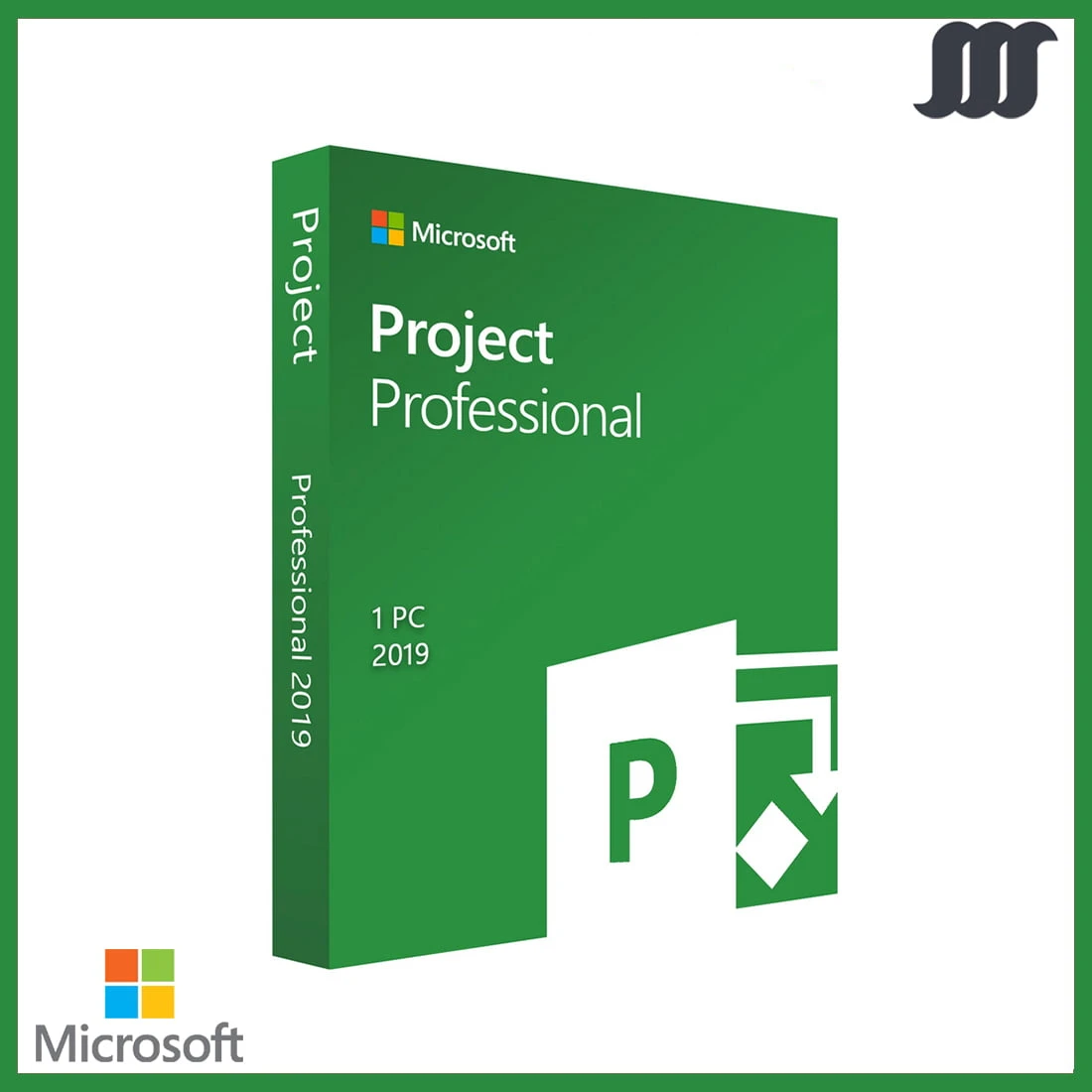
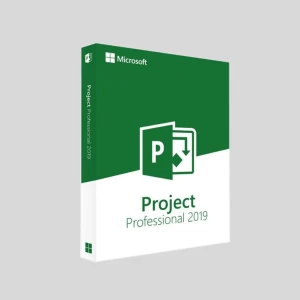
You will receive 1x Microsoft Project 2019 Professional key that can activate 1 PC. Lifetime activation. Download Visio from here with the key: http://setup.office.com/ Friendly and professional support to help with smooth installation. Most of these keys work...
 Pay LKR 4,356.37 × 3 installments with KOKO
 Select a Bank to View Available Monthly Plans
System Requirements ‣ Required Processor: 1.6 Ghz or faster, 2-core ‣ Required Memory: 4 GB RAM (64-bit); 2 GB RAM (32-bit) ‣ Required Hard Disk Space: 4 GB available disk space ‣ Required Display: 1024 x 768 or higher screen resolution ‣ Required video card: DirectX 9 or later, with WDDM 2.0 or higher ‣ Required connectivity: Internet access (fees may apply) ‣ Operating system: Windows 10, Windows Server 2019.
You will receive 1x Microsoft Project 2019 Professional key that can activate 1 PC. Lifetime activation. Download Visio from here with the key: http://setup.office.com/ Friendly and professional support to help with smooth installation. Most of these keys work as online activation keys. If not, have to go with the telephone activation method. Fast and convenient product delivery via email. 100% authentic licences
Microsoft Project 2019 Professional offers enhanced features for project management:




 Pay LKR 4,356.37 × 3 installments with KOKO
 System Requirements ‣ Required Processor: 1.6 Ghz or faster, 2-core ‣ Required Memory: 4 GB RAM (64-bit); 2 GB RAM (32-bit) ‣ Required Hard Disk Space: 4 GB available disk space ‣ Required Display: 1024 x 768 or higher screen resolution ‣ Required video card: DirectX 9 or later, with WDDM 2.0 or higher ‣ Required connectivity: Internet access (fees may apply) ‣ Operating system: Windows 10, Windows Server 2019.
You will receive 1x Microsoft Project 2019 Professional key that can activate 1 PC. Lifetime activation. Download Visio from here with the key: http://setup.office.com/ Friendly and professional support to help with smooth installation. Most of these keys work as online activation keys. If not, have to go with the telephone activation method. Fast and convenient product delivery via email. 100% authentic licences
Microsoft Project 2019 Professional offers enhanced features for project management:
Digital Delivery: Sent directly to your registered e-mail address.
Maximum delivery timeframe: 24 hours.
No reviews yet for this product.
