

SQL Server 2025 Standard – 2 Cores License
LKR 750,000LKR 174,900
 96% Off
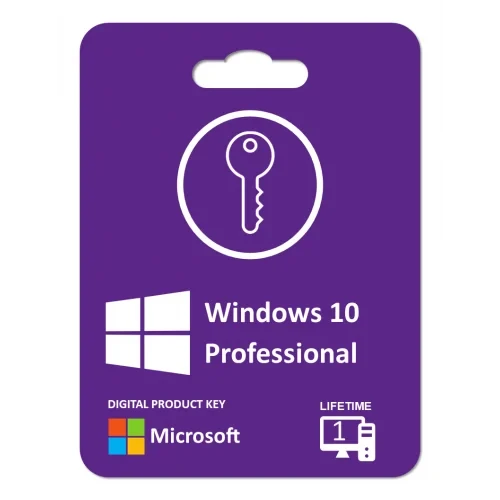
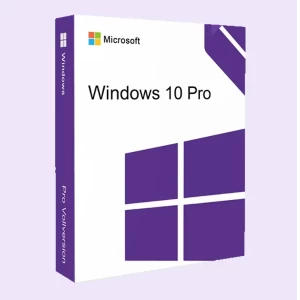
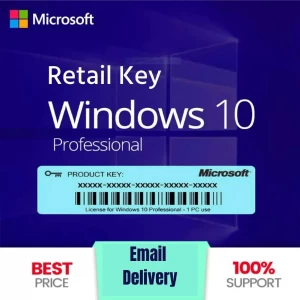
We will provide a Windows 10 Pro digital key. A Windows 10 retail key is a 25-character alphanumeric code used to activate a Windows 10 operating system retail version. This key grants the user the right to install and activate Windows 10.
 Pay LKR 526.83 × 3 installments with KOKO
 Before downloading Windows 10 Pro, your PC must satisfy the following requirements: Processor: 1 GHz or faster or SoC RAM: 1 gigabyte (GB) for a 32-bit system or 2 GB for a 64-bit system Hard drive space: 16 GB for a 32-bit system or 32 GB for a 64-bit system Graphics card: DirectX 9 or later with WDDM 1.0 driver Screen: 800×600
We will provide a Windows 10 Pro digital key. A Windows 10 retail key is a 25-character alphanumeric code used to activate a Windows 10 operating system retail version. This key grants the user the right to install and activate Windows 10.
We will provide a Windows 10 Pro digital key.
A Windows 10 retail key is a 25-character alphanumeric code used to activate a Windows 10 operating system retail version. This key is typically purchased through authorized retailers or directly from Microsoft and grants the user the right to install and activate Windows 10 on a personal computer.
Key Features of a Windows 10 Retail Key:
Where to Find It:
A valid retail key is essential for ensuring that your copy of Windows 10 remains genuine and fully functional.
To enter your Windows 10 product key, follow these steps:
Island-wide delivery
Best price





 Pay LKR 526.83 × 3 installments with KOKO
 Before downloading Windows 10 Pro, your PC must satisfy the following requirements: Processor: 1 GHz or faster or SoC RAM: 1 gigabyte (GB) for a 32-bit system or 2 GB for a 64-bit system Hard drive space: 16 GB for a 32-bit system or 32 GB for a 64-bit system Graphics card: DirectX 9 or later with WDDM 1.0 driver Screen: 800×600
We will provide a Windows 10 Pro digital key. A Windows 10 retail key is a 25-character alphanumeric code used to activate a Windows 10 operating system retail version. This key grants the user the right to install and activate Windows 10.
We will provide a Windows 10 Pro digital key.
A Windows 10 retail key is a 25-character alphanumeric code used to activate a Windows 10 operating system retail version. This key is typically purchased through authorized retailers or directly from Microsoft and grants the user the right to install and activate Windows 10 on a personal computer.
Key Features of a Windows 10 Retail Key:
Where to Find It:
A valid retail key is essential for ensuring that your copy of Windows 10 remains genuine and fully functional.
To enter your Windows 10 product key, follow these steps:
Island-wide delivery
Best price
Digital Delivery: Sent directly to your registered e-mail address.
Maximum delivery timeframe: 12 hours.
No reviews yet for this product.
