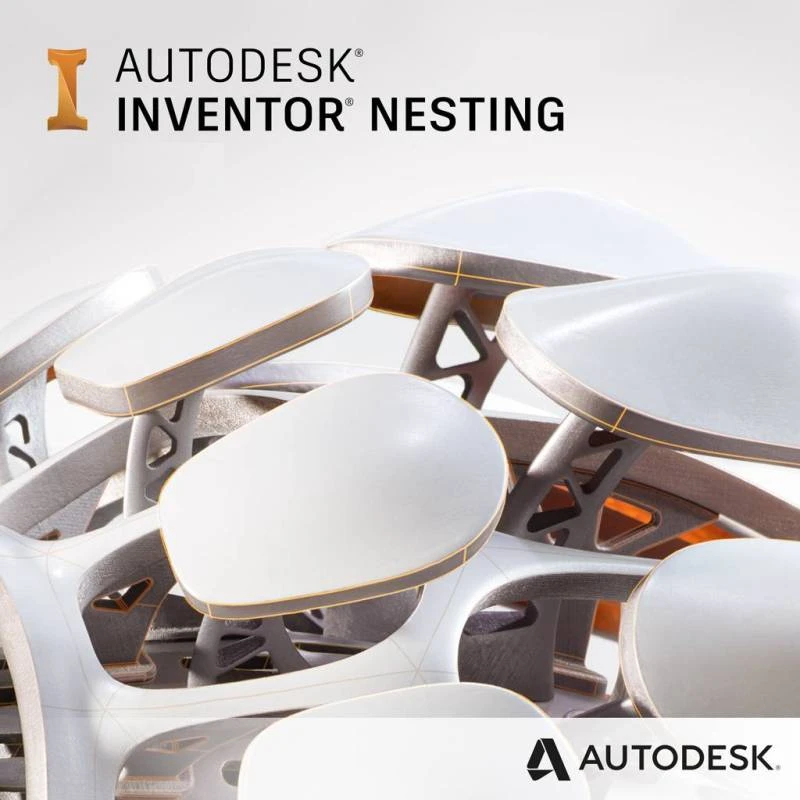
HomeDigital GoodsGames Gift Cards & SoftwareSoftwareAutodesk Inventor Nesting 2023-2026 1 Device 1 Year License
Autodesk Inventor Nesting 2023-2026 1 Device 1 Year License69% Off
Special Offer:Remains until the end of the offer

Autodesk Inventor Nesting 2023-2026 1 Device 1 Year License

New Seller|SKU: 20260122130317

License validity for 1 year Download from AutoDesk™ website 24/7 support, 7 days a week Best prices on the market No external links

69% OffLKR 2,490Regular PriceLKR 7,990
KOKO Pay LKR 904.70 × 3 installments with KOKO

Quick Overview

Availability:In stock
Brand:Autodesk
What's in the box:invite
Warranty:12 Months
100% Satisfaction Guaranteed

License validity for 1 year Download from AutoDesk™ website 24/7 support, 7 days a week Best prices on the market No external links

Product Details

Key Features of Autodesk Inventor Nesting

  • Automated True-Shape Nesting: Inventor Nesting uses true-shape nesting algorithms to generate highly efficient layouts of parts on flat sheets. This reduces raw material waste and improves material utilization across multiple jobs.
  • Multi-Sheet and Multi-Material Support: Generate multiple nesting studies with various materials, sheet sizes, and packaging options. Compare different combinations to find the most cost-effective and material-efficient setup.
  • Efficiency and Cost Comparison: Run nesting studies to compare material use, part fit, and estimated costs. Select the best strategy to maximize job profitability based on specific business or production goals.
  • Orientation Control for Material Constraints: Specify part orientations and grain direction to meet aesthetic or structural requirements. This is especially useful for wood grain matching or minimizing material stress and cracking.
  • Smooth Integration with Inventor CAM and AutoCAD:

    Inventor Nesting allows you to:

    • Create 3D models of nests for further CAM processing.
    • Generate cutting paths using Inventor CAM.
    • Export DXF™ files compatible with AutoCAD and other CAM software for generating toolpaths.

Benefits of Using Autodesk Inventor Nesting

  • Reduce raw material costs through optimized nesting strategies.
  • Increase manufacturing efficiency by minimizing manual layout work.
  • Maintain consistency in production with orientation and grain control.
  • Simplify your workflow by connecting directly to Inventor CAM and AutoCAD.
  • Improve production planning and quoting with detailed material usage and cost comparisons.

Common Use Cases

Inventor Nesting is ideal for:

  • Sheet metal fabrication
  • Wood panel cutting
  • Composite and textile processing
  • Packaging and box manufacturing
  • Any operation that uses flat raw materials for part production

Island-wide delivery

Best price
Seller selection

More from Seller

View Seller Store

Autodesk Inventor Nesting 2023-2026 1 Device 1 Year License

New Seller
LKR 2,490LKR 7,990
KOKO Pay LKR 904.70 × 3 installments with KOKO
Quantity
  • WeightN/A
  • Sold0
  • BrandAutodesk
  • StockIn stock

Short Description

License validity for 1 year Download from AutoDesk™ website 24/7 support, 7 days a week Best prices on the market No external links

Product Details

Key Features of Autodesk Inventor Nesting

  • Automated True-Shape Nesting: Inventor Nesting uses true-shape nesting algorithms to generate highly efficient layouts of parts on flat sheets. This reduces raw material waste and improves material utilization across multiple jobs.
  • Multi-Sheet and Multi-Material Support: Generate multiple nesting studies with various materials, sheet sizes, and packaging options. Compare different combinations to find the most cost-effective and material-efficient setup.
  • Efficiency and Cost Comparison: Run nesting studies to compare material use, part fit, and estimated costs. Select the best strategy to maximize job profitability based on specific business or production goals.
  • Orientation Control for Material Constraints: Specify part orientations and grain direction to meet aesthetic or structural requirements. This is especially useful for wood grain matching or minimizing material stress and cracking.
  • Smooth Integration with Inventor CAM and AutoCAD:

    Inventor Nesting allows you to:

    • Create 3D models of nests for further CAM processing.
    • Generate cutting paths using Inventor CAM.
    • Export DXF™ files compatible with AutoCAD and other CAM software for generating toolpaths.

Benefits of Using Autodesk Inventor Nesting

  • Reduce raw material costs through optimized nesting strategies.
  • Increase manufacturing efficiency by minimizing manual layout work.
  • Maintain consistency in production with orientation and grain control.
  • Simplify your workflow by connecting directly to Inventor CAM and AutoCAD.
  • Improve production planning and quoting with detailed material usage and cost comparisons.

Common Use Cases

Inventor Nesting is ideal for:

  • Sheet metal fabrication
  • Wood panel cutting
  • Composite and textile processing
  • Packaging and box manufacturing
  • Any operation that uses flat raw materials for part production

Island-wide delivery

Best price
Digital Delivery: Sent directly to your registered e-mail address.

Maximum delivery timeframe: 24 hours.

Return & Warranty
7 Days Buyer ProtectionYour purchase is protected by Tudo.lk.
12 Months seller warranty

No reviews yet for this product.

seller
Overall rating100%
Total Qty: 1LKR 2,490
StockIn stock